AI Video Clip Maker Free: Your 2026 Guide to Cutting-Edge Tools
Most free AI video clip makers promise a big credit stash, but the reality is far smaller. Most tools cap free usage at 100 credits or fewer, and many sneak in watermarks.
In this guide you'll see how to spot tools that actually give you usable clips, and which free option lets you turn long videos into short, captioned reels without a hidden watermark.
That's why many creators gravitate toward a solution that's truly free and fast. Clipper Next lets you paste a YouTube link, picks the strongest 60-second moments, adds subtitles, and exports in 1080p with zero cost or hidden marks.
Ready to cut through the hype?
Why Choose an AI Video Clip Maker Free? Key Benefits
When you need a quick clip, a free AI video clip maker can be a lifesaver.
First, there’s no budget hit. You can spin up a 60-second highlight without paying a cent, which means you keep cash for ads or gear.
Second, the tools are built to run on a single click. Paste a YouTube URL, let the AI pick the strongest moments, add captions, and you have a ready-to-post short.
Third, most free plans skip the water-mark headache. A clean export looks professional and won’t distract viewers.
Fourth, the learning curve is almost flat. You don’t need a video editing degree; the interface walks you through the steps.
Fifth, you stay flexible. Because the service lives in the cloud, you can clip on a laptop, a tablet, or even a phone when inspiration hits.
You also get basic edits like trimming, adding a logo, or swapping the background color - enough to match your brand without extra apps.
That speed matters for creators who post daily. Imagine you’re prepping a TikTok reel while your coffee brews - the tool finishes before the first sip.
And the best part? You can test several AI video clip maker free options side by side, then settle on the one that feels right for your workflow.

Platforms like Clipper Next show how a desktop app can bundle all those steps into one simple workflow. It works even if your internet drops.
Free tools keep adding AI tricks, so today’s clip might get smarter captions tomorrow, and you stay ahead without a subscription.
Comparing Top Free AI Clipping Tools
When you need a quick clip, you want a tool that does the heavy lifting without asking for a credit card. Below is a quick look at the free options that actually let you export a short video.
Our pick sits at the top: Clipper Next. It runs on your desktop, pulls a YouTube link, finds the best 60-second bits, adds captions and gives you a 1080p file with no watermark. It’s a one-time buy, so you never face a monthly fee.
Here are three other free tools that many creators try. They each have limits that can slow you down.
| Tool | Free limit | Key note |
|---|---|---|
| OpusClip | 60 credits/month (1 min per credit) | Watermark on output |
| LTX Studio | 800 credits total | Credits run out fast on long videos |
| Creatify | 10 credits/mo | Limited to short clips only |
So, what should you do next? If you plan to churn out reels or Shorts daily, the recurring limits of OpusClip, LTX Studio or Creatify will bite you. A one-time deal like Clipper Next lets you keep the pace without watching a credit counter.
Need a deeper dive on how to turn a long video into a TikTok-ready short? Check out our AI video editing for TikTok guide for step-by-step tips.
Bottom line: pick the tool that lets you work fast, stay free and skip the watermarks. That way you can focus on the story, not the tech.
How to Quickly Create Shorts with Clipper Next (Video Walkthrough)
Got a long YouTube video and need a punchy short? Here’s a quick walk-through that shows you how to get a 60-second, captioned clip in just a few clicks.
Step 1: Paste the link
Open the Clipper Next desktop app. Copy the YouTube URL you want to trim and drop it into the input box. The app pulls the video straight to your PC, no download needed.
Step 2: Let the AI pick the highlights
Hit “Find Clips”. The AI scans the transcript, spots the strongest moments, and shows you up to three 60-second options. Pick the one that matches the story you want to tell.
Step 3: Add captions
Toggle the caption button. The tool auto-generates subtitles, then lets you tweak any wording. A quick glance and you’ve got readable text that works even on mute.
Step 4: Set the format
Choose the output size: Shorts, Reels, or TikTok. The app resizes the video to the right aspect ratio and keeps the quality at 1080p.
Step 5: Export
Click “Export”. Because Clipper Next is an AI video clip maker free with a one-time purchase, the file comes out watermark-free and ready to upload.
Tip: Save your favorite source URLs in a text file. When you run the batch mode, the app will process each link back-to-back, giving you a library of ready-to-post shorts.
That’s it. In under five minutes you’ve turned a long video into a shareable short, no editing experience needed.
Step-by-Step Guide: Using Clipper Next to Turn Long YouTube Videos into Shorts
Got a YouTube video that’s too long for a quick scroll? Here’s how you can shrink it down to a punchy short with just a few clicks.
Step 1: Paste the link
Open the Clipper Next desktop app. Copy the video URL and drop it into the box. The app pulls the video straight to your PC, so you never have to download it first.
Step 2: Let the AI pick the highlights
Hit “Find Clips”. The AI scans the transcript, spots the most engaging bits, and shows up to three 60-second options. Choose the one that fits the story you want.
Step 3: Fine-tune the cut
Trim the start or end a few seconds if you need a tighter intro. You can also split a clip into two shorter pieces for extra variety.
Step 4: Add captions and music
Turn on captions. The auto-generated subtitles are editable, so you can fix any odd phrasing. If you like, add a low-key music track from the built-in library – it helps the short stand out in feeds.
Step 5: Choose the format and export
Select Shorts, Reels, or TikTok. The app resizes the video to the correct aspect ratio and keeps it at 1080p. Click “Export” and the file appears watermark-free in your folder.
Real-World Use Cases: From Podcasts to Reels
Imagine you have a 45-minute interview that your audience loves, but most of them scroll past long audio. An AI video clip maker free can pull out the funniest 60-second snippet, add captions, and drop it straight into a Shorts feed.
Now picture a fashion brand that wants to turn a runway livestream into bite-size Instagram Reels.
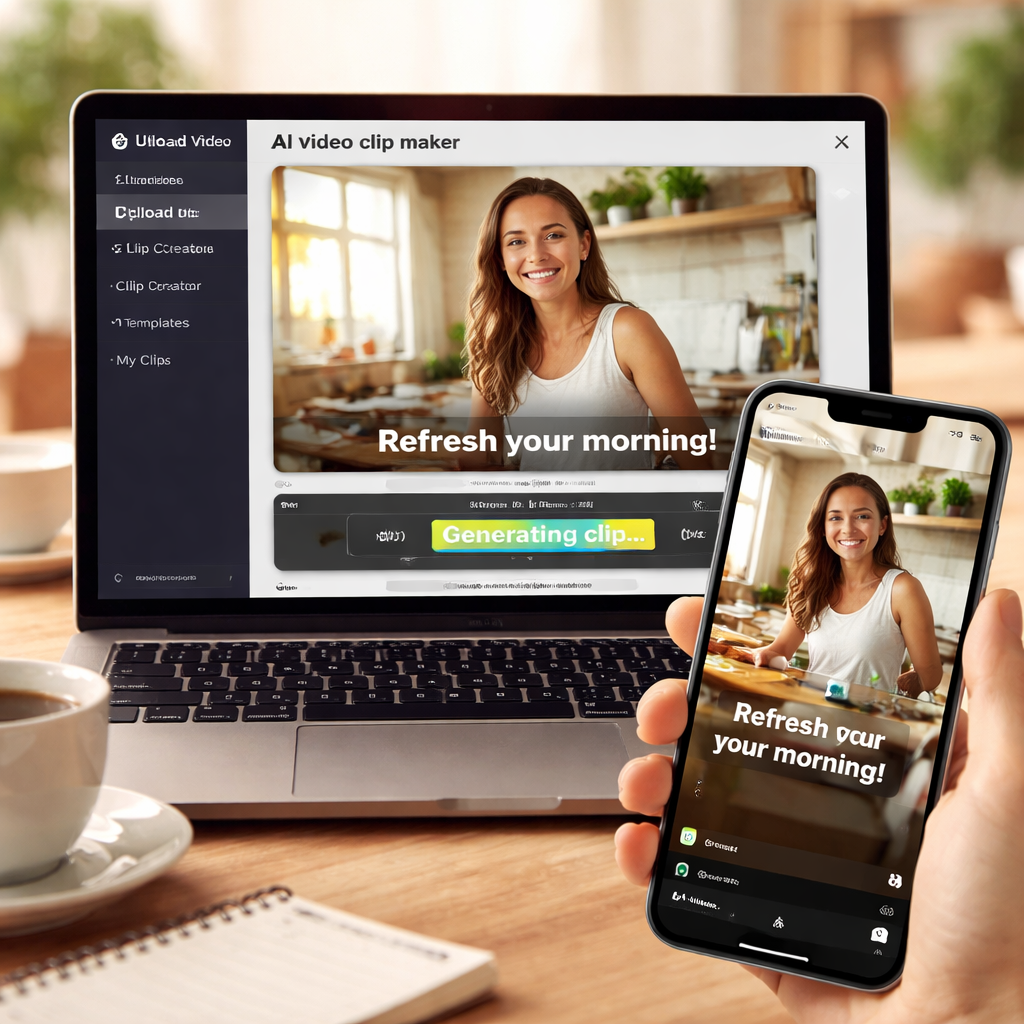
Faceless channels, like animation studios or white-board explainers, also profit.
Corporate teams can also lean on a free AI clip maker.
News outlets find it handy for breaking stories.
Conclusion
Choosing the right AI video clip maker free can mean the difference between posting a single clip and flooding your feeds with fresh Shorts every day.
FAQ
What is an AI video clip maker free and how does it work?
An AI video clip maker free is a tool that uses artificial intelligence to scan a longer video and pull out a short, share-ready segment without charging you.
How many clips can I make with a free plan?
The number of clips you get on a free plan varies a lot.
Will the free version add a watermark to my Shorts?
Watermarks are a hidden cost on many free tools.
Is any technical skill needed to use a free AI clipper?
You don’t need any editing background.
Can I edit the captions that the AI creates?
The auto-caption feature gives you a solid base.
How fast can I get a finished short from a long video?
Speed is the biggest draw of a free AI clip maker.