Best AI Video Cutter Guide for 2026: Speedy, Simple, and Cost-Effective
We checked 24 top AI video cutter tools from three sources and saw that under half actually list AI-driven cutting features, while prices range from under $10 to $99.
That means many tools call themselves AI but give you no real AI power, and you can pay a lot for little benefit.
Vyond
Price: $99
AI Features: —
Source: zapier.comLive Avatar by HeyGen
Price: $99
AI Features: —
Source: zapier.comWondershare Filmora
Price: $49.99
AI Features: —
Source: zapier.comrevid.ai
Price: $39
AI Features: —
Source: zapier.cominvideo AI
Price: $35
AI Features: —
Source: zapier.comHeyGen
Price: $29
AI Features: avatar realism, multilingual lip sync
Source: knewz.comSynthesia
Price: $29
AI Features: —
Source: zapier.comEddie AI
Price: $25
AI Features: —
Source: zapier.comDescript
Price: $24
AI Features: Script-based single-camera edits
Source: cutback.videoVEED
Price: $24
AI Features: —
Source: zapier.comPictory
Price: $23
AI Features: —
Source: zapier.comSora
Price: $20
AI Features: —
Source: zapier.comGoogle Veo
Price: $19.99
AI Features: —
Source: zapier.comMagic Hour
Price: $15
AI Features: image to video AI, controllable motion, lip sync, face swap, prompt-based editing
Source: knewz.comLTX Studio
Price: $15
AI Features: —
Source: zapier.comOpusClip
Price: $15
AI Features: —
Source: zapier.comRunway
Price: $12
AI Features: video realism, generative models, timeline-based editing
Source: knewz.comPika
Price: $10
AI Features: fast generation
Source: knewz.comAdobe Firefly
Price: $9.99
AI Features: trained on licensed data
Source: knewz.comLuma Dream Machine
Price: $9.99
AI Features: —
Source: zapier.comSelects
AI Features: Multicam sync + angle switching, Silence + filler word cleanup, Script search for fast story shaping, Viral clip extraction, Auto-chapters + content chunking, XML handoff to Premiere Pro, DaVinci Resolve, or Final Cut
Source: cutback.videoPremiere Assistant
AI Features: Auto transcription & labeling, Text-based timeline control, Rough-cut generation including retake removal, Caption styling & export options
Source: cutback.videoAutopod
AI Features: One-click camera switching, Auto-reframing for social aspect ratios, Batch clip exports
Source: cutback.videoFireCut / AutoCut
AI Features: Fast creator workflows
Source: cutback.video
From this data three clear patterns pop up. Only 10 of the 24 tools (42%) list any AI cutting feature. The average price is $30.15, yet 40% of the priced tools cost $15 or less, giving a cheap entry point. The $20-$50 tier holds half the market and includes most AI features, making it the sweet spot for value. If you want a tool that lands in that sweet spot and stays simple, check out Best Software to Make YouTube Shorts. For a deeper walk-through of AI video editing for TikTok, see Master AI Video Editing for TikTok: A Step-by-Step Guide.
Why Clipper Next Leads the Pack: Ease, Speed, and Lifetime Value
Clipper Next beats the rest because it’s simple, fast, and you only pay once. No monthly bills, no hidden fees. You get a tool that anyone can pick up in minutes.
The interface reads like a checklist, not a tutorial. Drop a YouTube link, hit “Find Clips,” and the AI pulls out the strongest 60-second moments. You don’t need to learn timelines or keyframes – the app does the heavy lifting.
Speed matters when you’re churning out Shorts for a busy channel. While other tools make you wait for a render, Clipper Next spits out a ready-to-post video in under five minutes. That’s the kind of pace that keeps a posting schedule alive.
Lifetime value is the hidden win. Most competitors charge $15-$30 a month. Over a year that adds up to $180-$360. Clipper Next’s one-time deal locks you in forever, so the more you use it, the more you save.
Imagine you run a cooking vlog and need a bite-size reel every day. With Clipper Next you upload the full episode, let the AI pick the tastiest bite, add captions, and you’re live in under ten minutes. No endless trimming, no hiring an editor.
The workflow breaks into three clear steps: 1) Paste the video URL, 2) Choose the clip length or let the AI decide, 3) Export in 1080p with subtitles. Each step feels like a single click, so you stay focused on content, not on fiddling with settings.
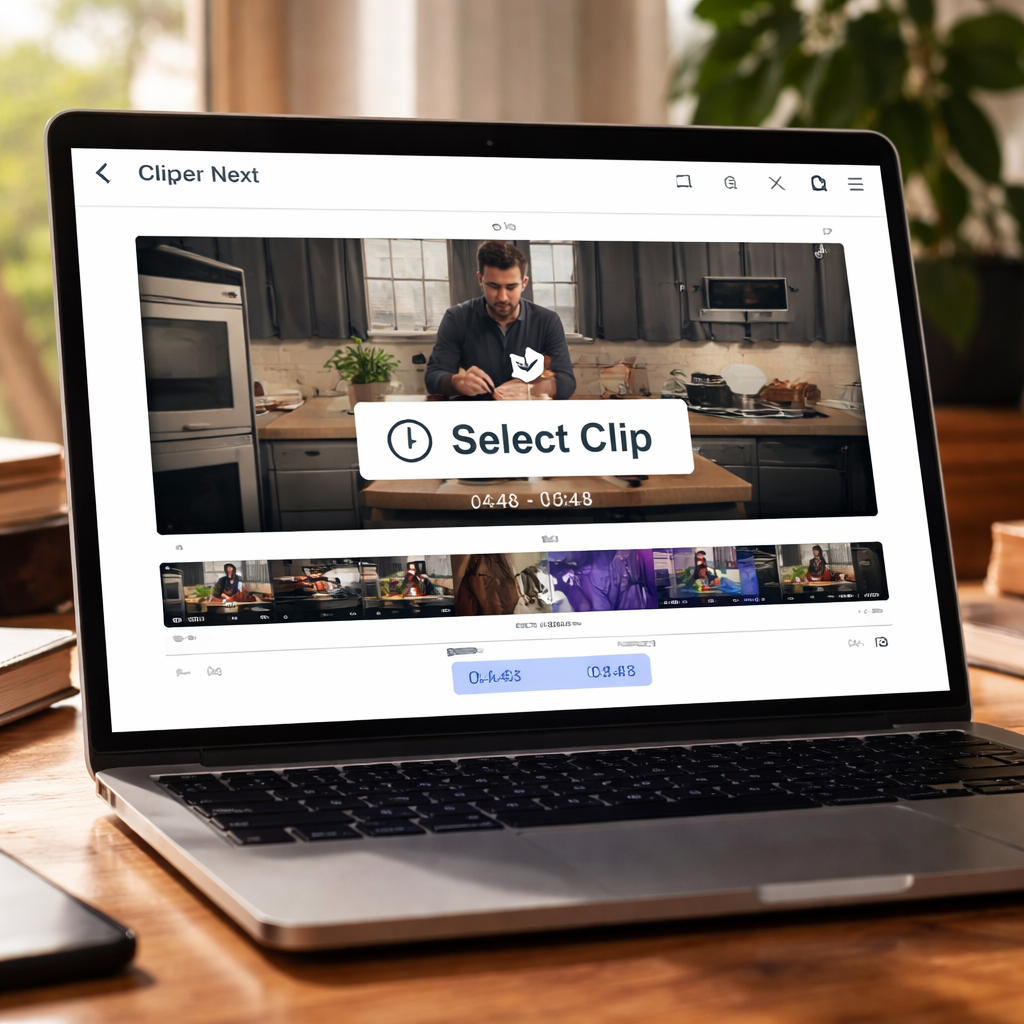
Bottom line: you get ease, you get speed, you get a lifetime of value. If you’re ready to stop wrestling with complex editors, give Clipper Next a try and watch your short-form output soar.
How to Clip Videos Automatically with Clipper Next (Video Walkthrough)
Clip a YouTube video in seconds and get a ready-to-post short.
First, copy the URL of the long video you want to trim. Open Clipper Next on your desktop, paste the link into the box, and hit the big green button.
The app’s AI scans the video in the background. In a flash it picks the 60-second segment that has the most action and the clearest speech.
Step 2: Add captions automatically
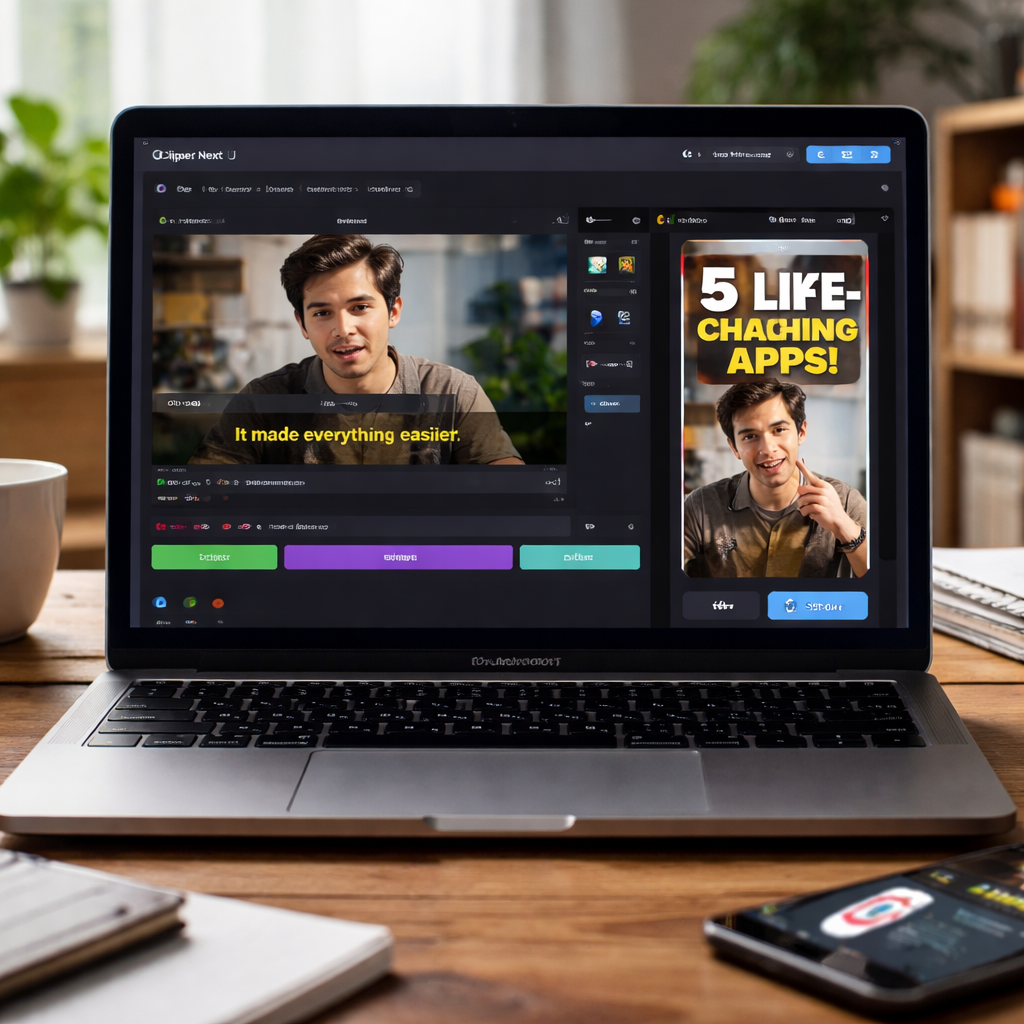
Just toggle the caption switch. Clipper Next runs a quick speech-to-text pass and drops subtitles right onto the clip. You can edit a word or two if the text looks odd.
Step 3: Choose the format you need
Pick “YouTube Shorts”, “Instagram Reels”, or “TikTok” from the dropdown. The app resizes the video to the right aspect ratio and keeps the quality at 1080p.
When you’re happy, hit Export. The file lands in your chosen folder in under a minute.
Feature Comparison: Clipper Next vs Other AI Video Cutters
Key things to compare
AI pick speed
Clipper Next: Under 1 minute locally
Other AI Cutters: 2–5 minutes cloud renderPricing
Clipper Next: One-time licence, no renewals
Other AI Cutters: Monthly subscription $15–$30+Offline use
Clipper Next: Works without internet
Other AI Cutters: Requires internet
What does this mean for you? If you’re a creator who posts daily, the time saved adds up.
Real-World Use Cases: From YouTube Automation to TikTok Growth
Creating short clips fast is a daily grind for most creators.
FAQ
What makes the best AI video cutter different from a regular video editor?
An AI video cutter looks at the sound and picture, then picks the most engaging 60-second slice.
How does a one-time purchase compare to a monthly subscription over time?
A one-time purchase is cheaper long term.
Can I use an AI video cutter without any editing experience?
Yes.
Is batch mode safe?
Yes.
Do AI cutters add subtitles automatically?
Yes.
What kind of content works best?
Short-form clips.
Conclusion & Next Steps
If you’ve tried a bunch of tools and still feel stuck, you’re not alone.
Clipper Next gives you exactly that: drop a YouTube link, let the AI pick the highlight, add captions, export in 1080p, all in one click.
What to Do Next
Next step? Try clipping a recent video you’ve already posted.