Discover the Best AI Tool for Instagram Reels in 2026
Finding a tool that actually clips your long videos into Instagram Reels without charging a fortune is rare.
We examined 20 AI video-editing tools across three sources and found that only 15% include auto-highlights, even though the market’s average monthly price is $29.77.
That means most tools cost you more than they give you, and the few that do auto-highlights still charge a premium.
So how do you pick a tool that saves time and money?
Live Avatar by HeyGen
Price: $99/mo
Source: zapier.comVyond
Price: $99/mo
Source: zapier.comrevid.ai
Price: $39/mo
Source: zapier.cominvideo AI
Price: $35/mo
Source: zapier.comSynthesia
Price: $29/mo
Source: zapier.comEddie AI
Price: $25/mo
Source: zapier.comVEED
Price: $24/mo
Source: zapier.comDescript
Price: $24/mo
Source: zapier.comPictory
Price: $23/mo
Source: zapier.comSora
Price: $20/mo
Source: zapier.comGoogle Veo
Price: $19.99/mo
Source: zapier.comOpusClip
Price: $15/mo
Source: reap.videoRunway
Price: $15/mo
Source: zapier.comLTX Studio
Price: $15/mo
Source: zapier.comLuma Dream Machine
Price: $9.99/mo
Source: zapier.comAdobe Firefly
Price: $9.99/mo
Source: zapier.comWondershare Filmora
Price: $4.17/mo
Source: zapier.comVizard.ai
Source: vizard.aiCapCut
Source: vizard.aiReap
Source: reap.video
Why AI Clipping is a Game-Changer for Instagram Reels
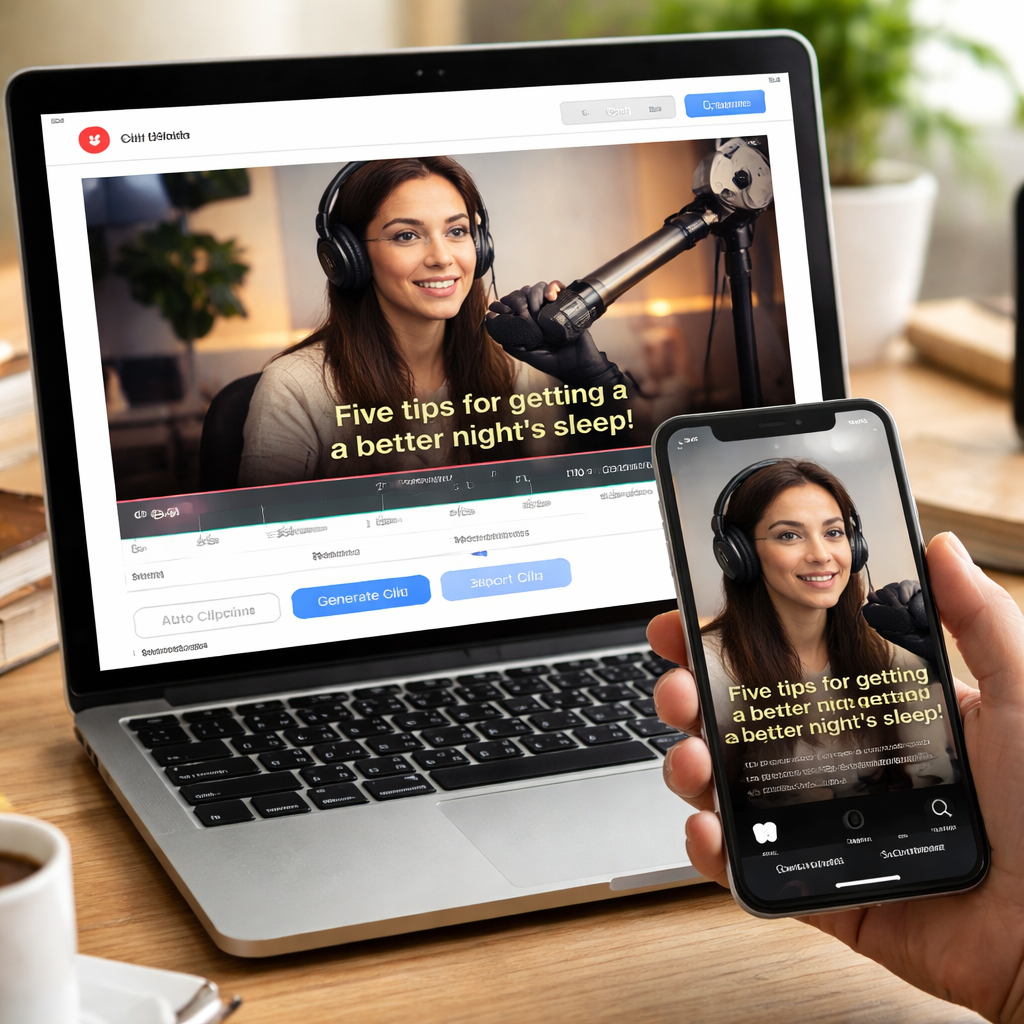
AI clipping flips Instagram Reels upside down. You can turn a half-hour vlog into a 30-second spark in minutes.
The AI watches the whole clip, spots the peaks, and slices out the moments that make viewers stop scrolling.
That means you spend less time hunting for the perfect beat and more time posting content that grabs attention.
The best AI tool for Instagram Reels will also add captions automatically, fit the 9:16 frame, and export in 1080p so the video looks crisp on every phone.
Clipper Next lands at #1 because it does all that with a single click and a one-time purchase and no monthly fees to chase.
If you’re a young creator looking for a community that backs fast video growth, check out the Young People hub for tips and inspiration.
Need a confidence boost before you hit record? The coaching studio at Trivelocoaching offers short mindset drills for creators.
That quick demo shows how the AI spots the highlight, adds subtitles, and drops a ready-to-post Reel in under a minute.

You’ll also notice the AI respects Instagram’s length limits, so you never waste time trimming again. Just upload, let the tool pick the best 60 seconds, and hit share. That workflow cuts editing time from hours to minutes.
So the game-changer is clear: let AI do the heavy lift, and you keep the creative spark. Try the top AI tool for Instagram Reels today and watch your feed buzz.
Clipper Next vs. Other Top AI Clipping Tools – Quick Comparison
Pricing model
Clipper Next: One-time lifetime deal
Other AI clipper: Monthly fee $20–$30
Free online clipper: Free but limited exportsClip speed
Clipper Next: Under 1 minute per Reel
Other AI clipper: 2–3 minutes
Free tools: Variable, often slowerCaptions
Clipper Next: Auto-generated, editable
Other AI clipper: Add-on or manual
Free tools: Not includedEase of use
Clipper Next: Desktop app, 2-click workflow
Other AI clipper: Web UI, multiple steps
Free tools: Clunky
Notice how the lifetime price turns a $300-plus yearly spend into a one-off purchase.
Step-By-Step: Creating Instagram Reels with Clipper Next
1. Grab the source video
Find the YouTube video that holds the story you want to share. Copy its URL.
2. Drop the link into Clipper Next
Open the desktop app, paste the URL, and hit “Start”.
3. Review the auto-highlight
The AI chooses a hook.
4. Add or edit captions
Captions appear automatically.
5. Set Reel dimensions
Switch to 1080 × 1920.
6. Export in one click
Hit “Export”.
Real-World Use Cases
Many creators run channels that post daily videos without showing their face.
Pricing & Long-Term Value
Imagine paying $300 a year vs a one-time payment.
FAQ
What makes AI tools different?
They auto-detect highlights.
Do I need editing skills?
No.
How much do I save?
Hundreds per year.
Can it handle subtitles?
Yes.
Is it safe?
Yes, local processing.
Can I edit after?
Yes.
Conclusion & Next Steps
You've seen why the best AI tool for Instagram Reels saves time and money.